Orchestrate swarms of specialist agents, build your own agent loop in simple YAML, and gate every answer through a graph of judge agents that verify — and revise — the work before it reaches you. One self-contained binary. No Node. No Python runtime.
Wire specialist agents into hierarchies, meshes, pipelines or peer-to-peer teams over real inter-agent protocols — TCP, Bus, Queue and Blackboard. Pick a topology and watch messages flow.
Profiles control everything about how an agent thinks and acts — no forks, no plugins-of-plugins. Per-tool approval overrides, parameter pinning, timeout caps and result-size limits included.
# One YAML file = one agent loop
name: researcher
model: claude-fable-5
system_prompt: "Cite every claim."

tools:
  allow: [web_search, python, file_io]
  web_search:
    timeout: 30
    max_result_kb: 64

mcp_servers: [github, playwright]

loop:
  max_rounds: 12
  temperature: 0.3
  reflection: true

judge:
  enabled: true       # independent verifier
tools: [web_search]# Evaluator–optimizer gate for any mode
worker:
mode: fully_auto # single / router / …
judges:
- name: accuracy
model: claude-fable-5
rules: rules/accuracy.yaml
tools: [file_read] # verifies output
weight: 2
- name: style
model: deepseek-chat
rules: rules/style.yaml
aggregation: all_pass # majority | weighted
max_revisions: 3An evaluator–optimizer graph gates every answer: a panel of judge agents scores the result against your YAML rule files, returns structured revise instructions, and loops the worker through bounded revision cycles until it passes — before anything reaches you.
tigrim is a Claude Code-style terminal agent: copy one self-contained binary into any folder and run it there. The folder becomes the agent's workspace, with project-local YAML agents, loop profiles and graph judges in .tigrimos/ — and it idles at ~4 MB of RAM.
/agents, /model, /mode, /loop, /graph, /mcp, /status.env credentials, auto-gitignored — git add . can never commit your key--yes auto-approval for pipelines# grab the binary, run it anywhere
$ curl -L https://github.com/Sompote/TigrimOSR/releases/download/v0.7.2/tigrim-0.7.2-macos-arm64.tar.gz | tar xz
$ ./tigrim
tigrim v0.7.2 — workspace: ./my-project
~4 MB RSS · /agents /graph /mcp /status
# one-shot: script it, pipe it
$ ./tigrim -p "run the tests and summarize failures" --yes
$ ./tigrim -p "draft release notes from git log" \
--model kimi-k3 > notes.md
$ ./tigrim -p "audit this folder" \
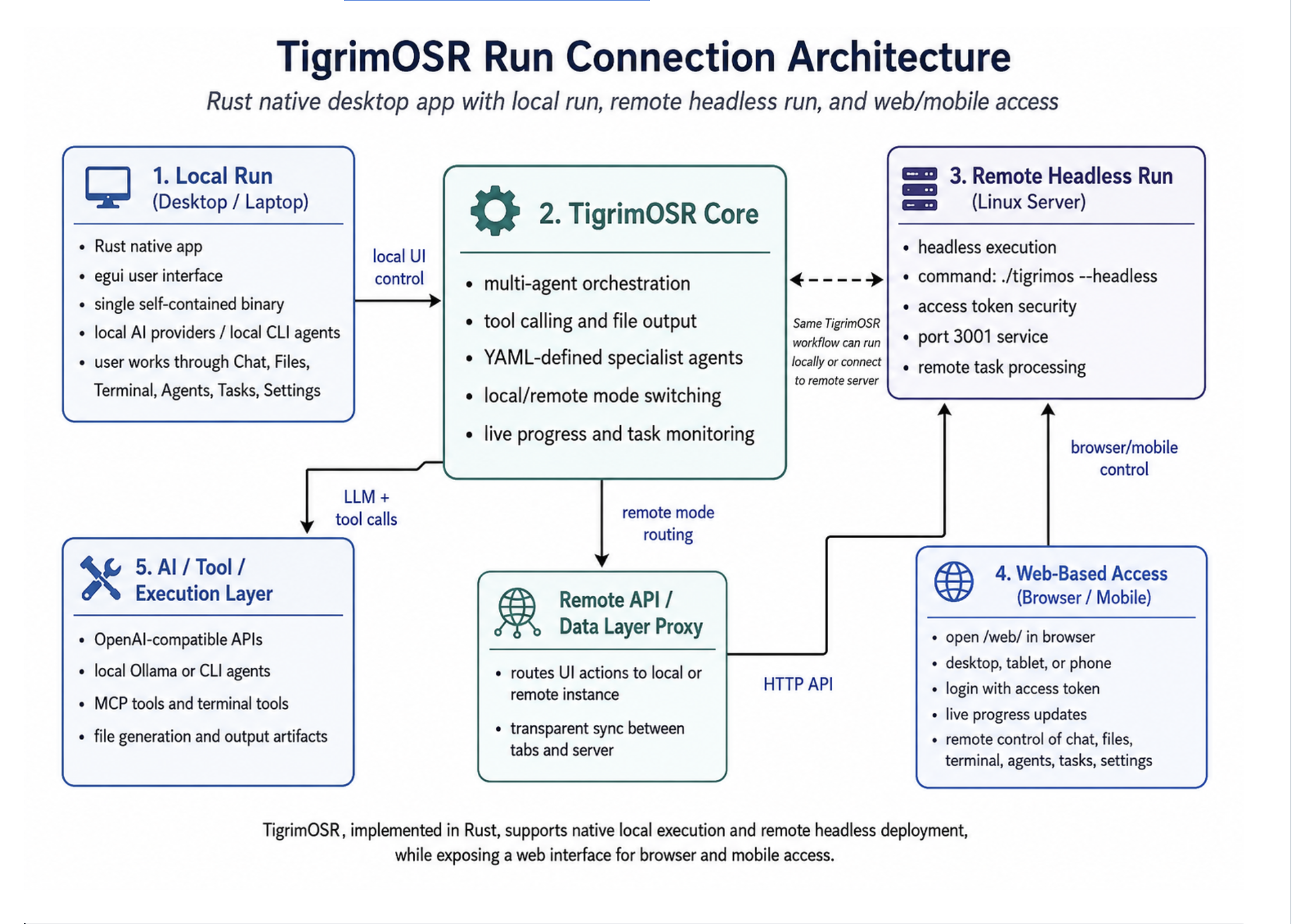
--loop strict_review --graph defaultA native Rust agent/tool runtime with TCP, Bus, Queue and Blackboard inter-agent protocols — surfaced through a native desktop UI, an embedded web interface, mobile remote, and Telegram / LINE bots.
tigrim New in v0.7.2A Claude Code-style terminal agent in one self-contained binary: copy it into any folder and that folder becomes the workspace, with project-local YAML agents, loop profiles and graph judges in .tigrimos/. Interactive REPL with slash commands, or one-shot -p mode where only the final answer hits stdout — safe to pipe into scripts and CI. Idles at ~4 MB of RAM.
An evaluator–optimizer gate: judge agents score every answer against your YAML rules and loop the worker through bounded revisions until it passes. all_pass / majority / weighted_average aggregation.
Drop a YAML file in data/tools/ to add HTTP/REST or shell tools — no Rust, no rebuild. Managed from Settings → Tools, with built-in OpenAlex paper search over 250M+ works.
Hierarchical, mesh, hybrid, pipeline, P2P and orchestrator modes. A router triages requests to heterogeneous LLM teams over a shared blackboard.
An independent verifier validates each job — with its own tools — before results ever reach you. Graph mode scales it to a full judge panel.
Claude Desktop, Claude Code and npm-compatible MCP servers, over stdio or HTTP. Plus built-ins: web search, Python, file I/O, shell, skills.
Drive Chrome via Playwright MCP — or use Obscura, a stealthy single-binary Rust headless browser with TLS impersonation and zero Node.js.
Zip bundles of skills, agents, MCP servers and connectors. Auto-detects TigrimOS, Claude Desktop, Claude Code and npm formats.
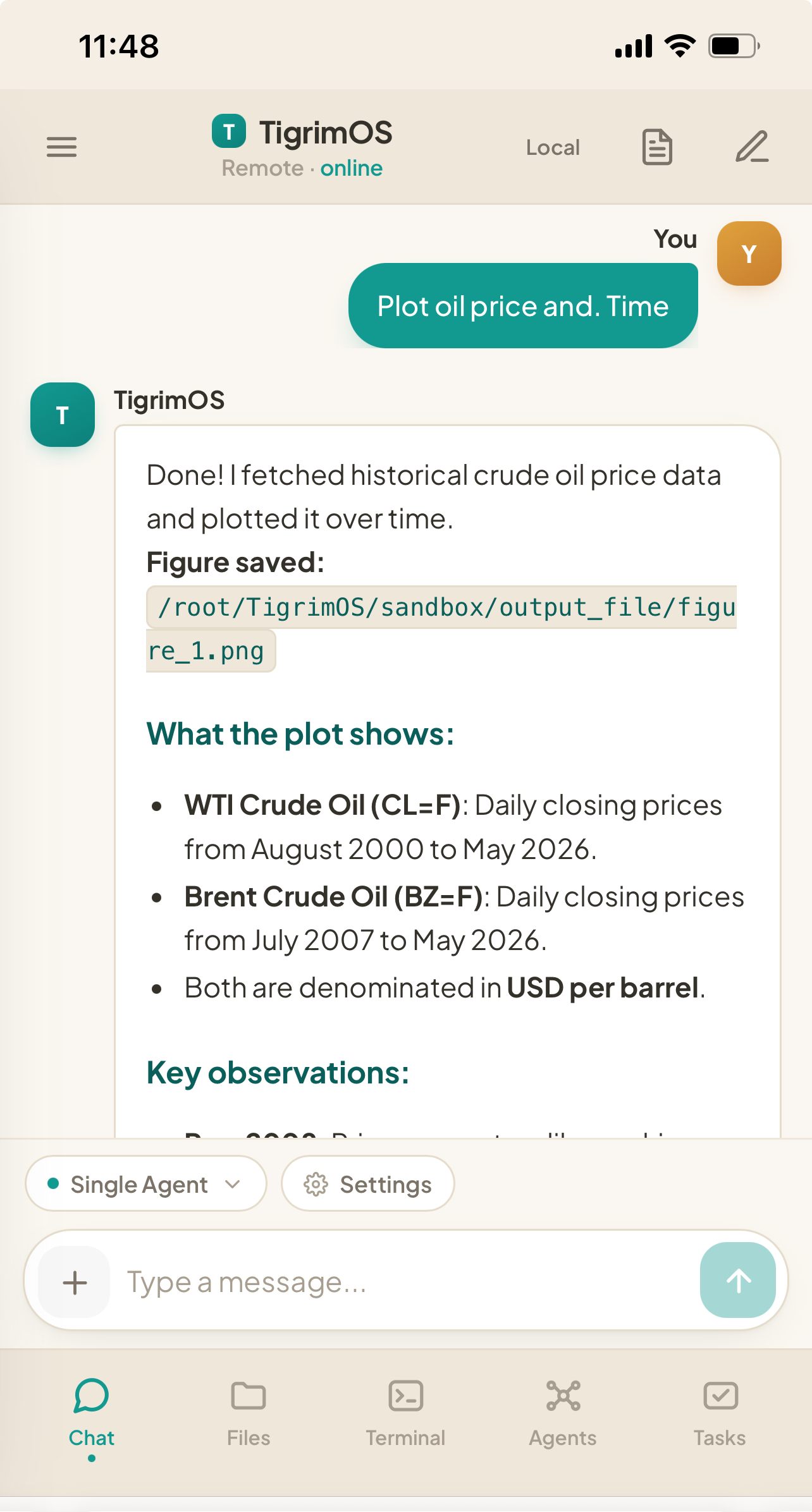
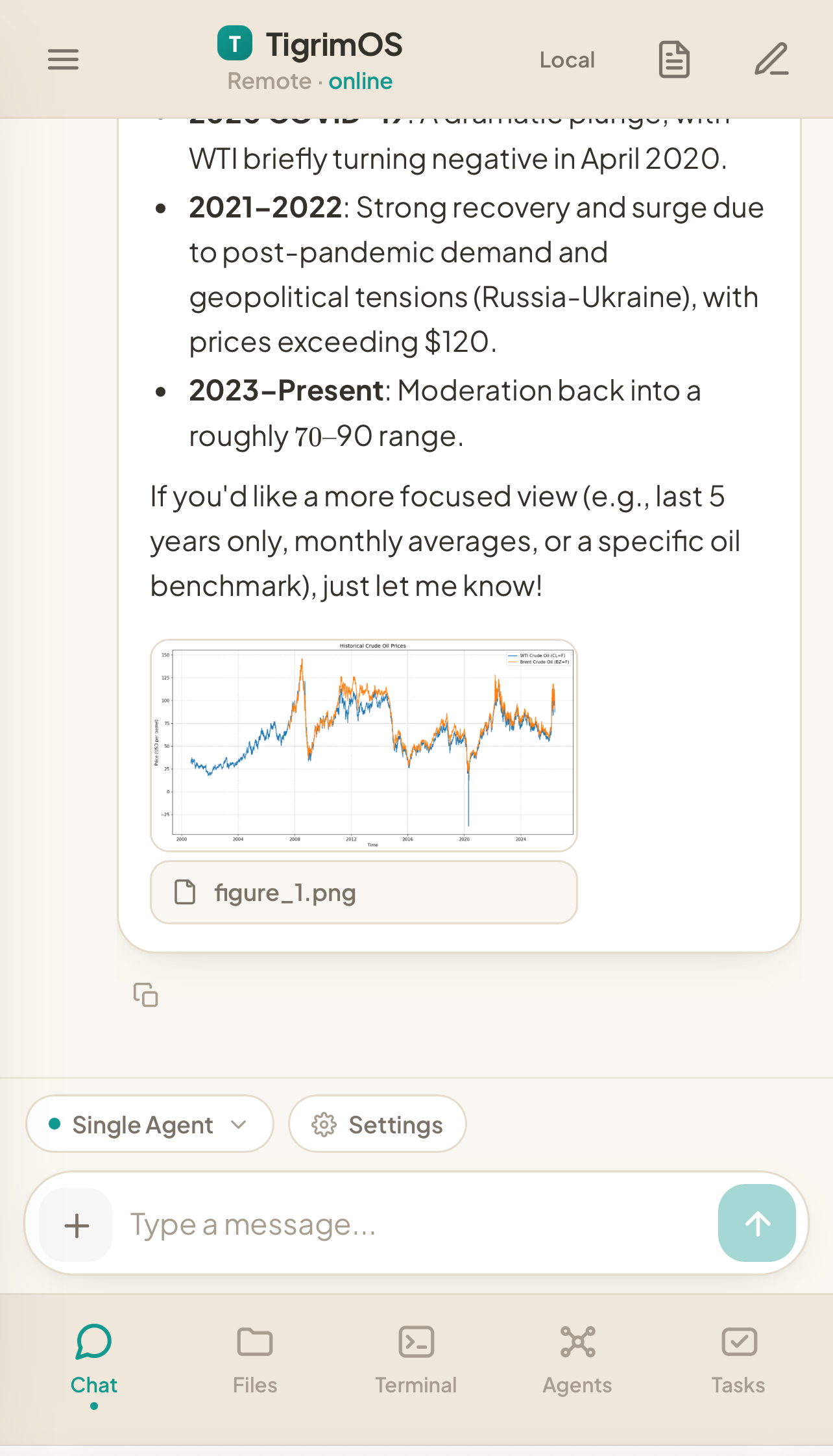
Embedded mobile-responsive web UI, Telegram & LINE bots with approval buttons, Tailscale VPN, and optional Cloudflare tunnels.
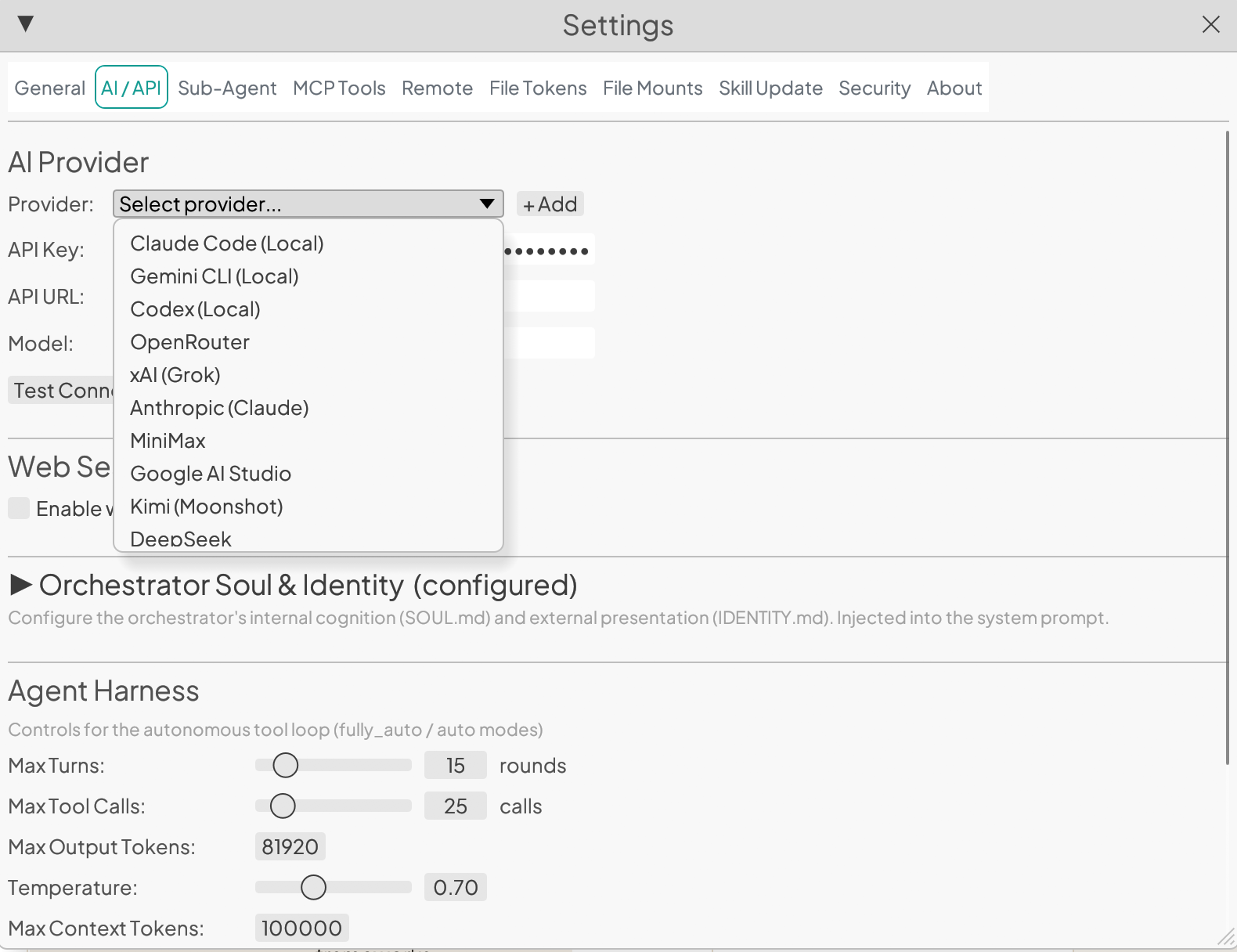
Key-free CLI agents — Claude Code, Gemini CLI, OpenAI Codex — plus Anthropic, DeepSeek, Kimi, Gemini, Ollama and any OpenAI-compatible API.
Connect Gmail, Calendar and Drive with a browser login — on desktop and the remote web UI. Plus a search_papers tool over 250M+ scholarly works with DOI and citation counts.
Local-only binding with access tokens, sandboxed code execution, non-root containers, and API-key masking across every surface.
Pure Rust + egui. App, embedded server and a live embedded browser idle at ~270 MB RAM — no interpreted runtimes anywhere.
Pick the surface, pay only for what it renders. The desktop's ~190 MB is almost entirely the GUI stack — window surface, font atlases, GPU textures. The agent engine itself is single-digit megabytes, which is exactly what the CLI and headless server run at.
tigrim agent, ~4 MB idle, ~10 MB peak during a live LLM runIdle resident memory (RSS), macOS release builds after full startup, as reported in the README. UI + browser = app + embedded server (~210 MB) + Obscura engine (~60 MB).
Click any screenshot to enlarge.
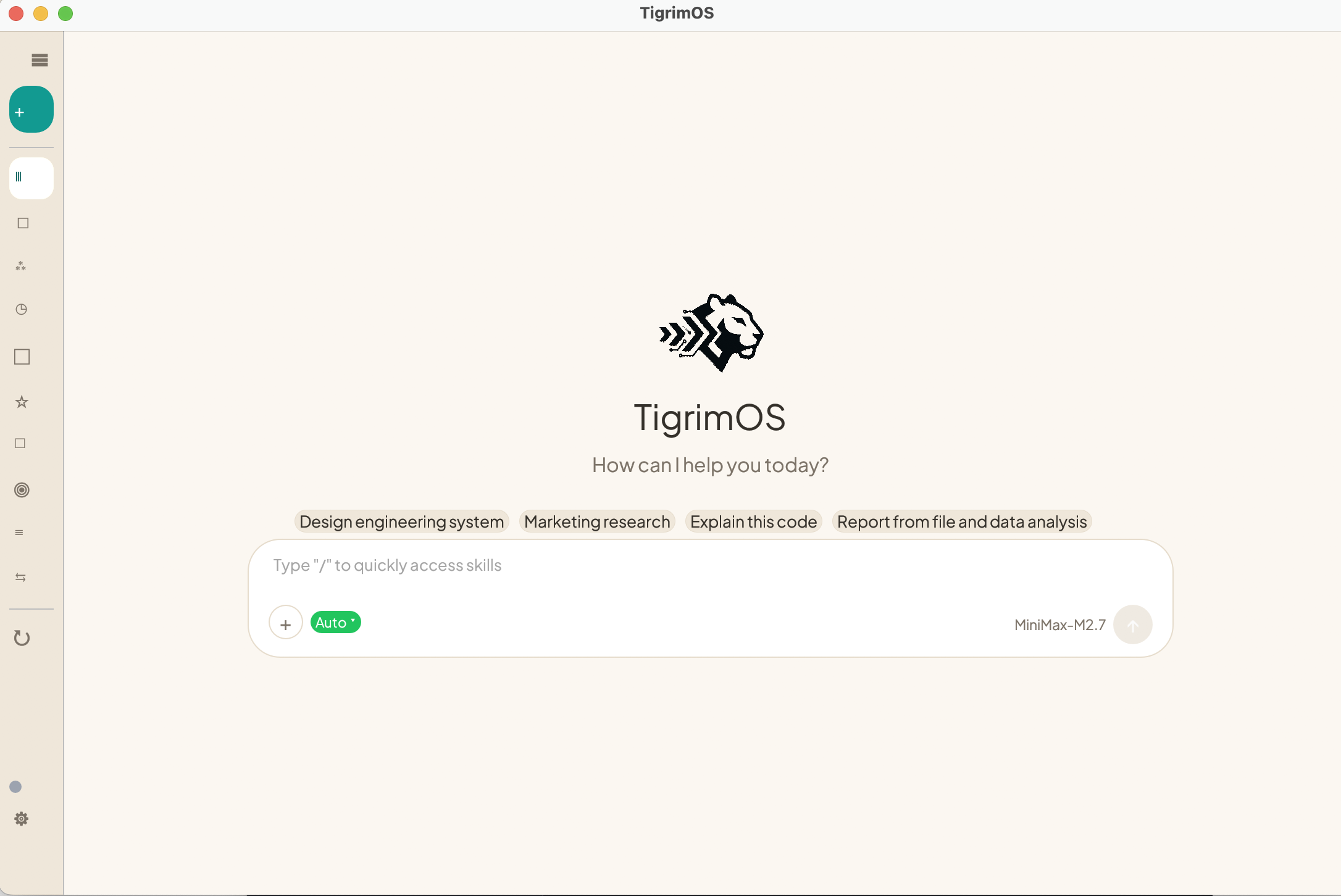
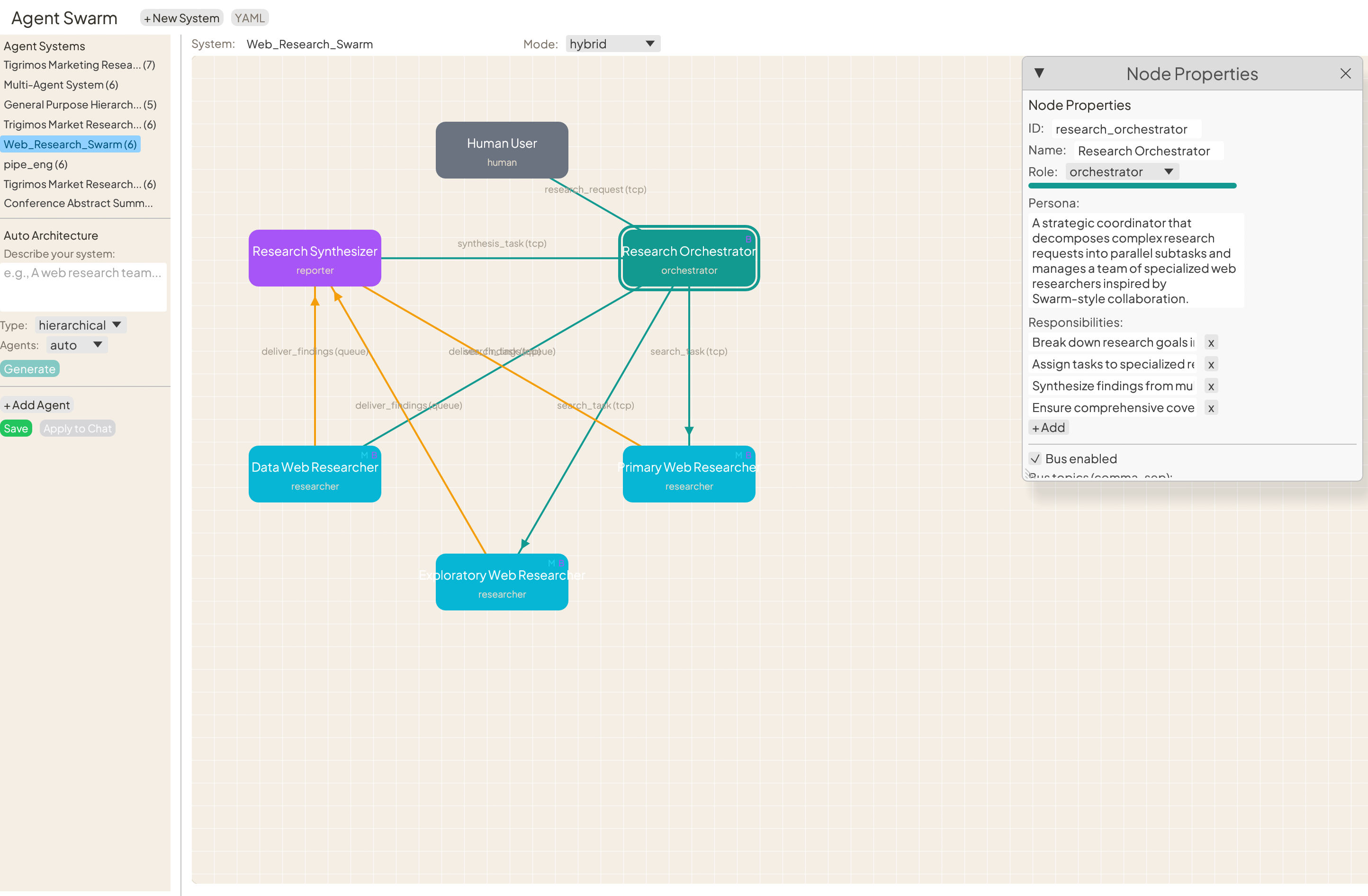
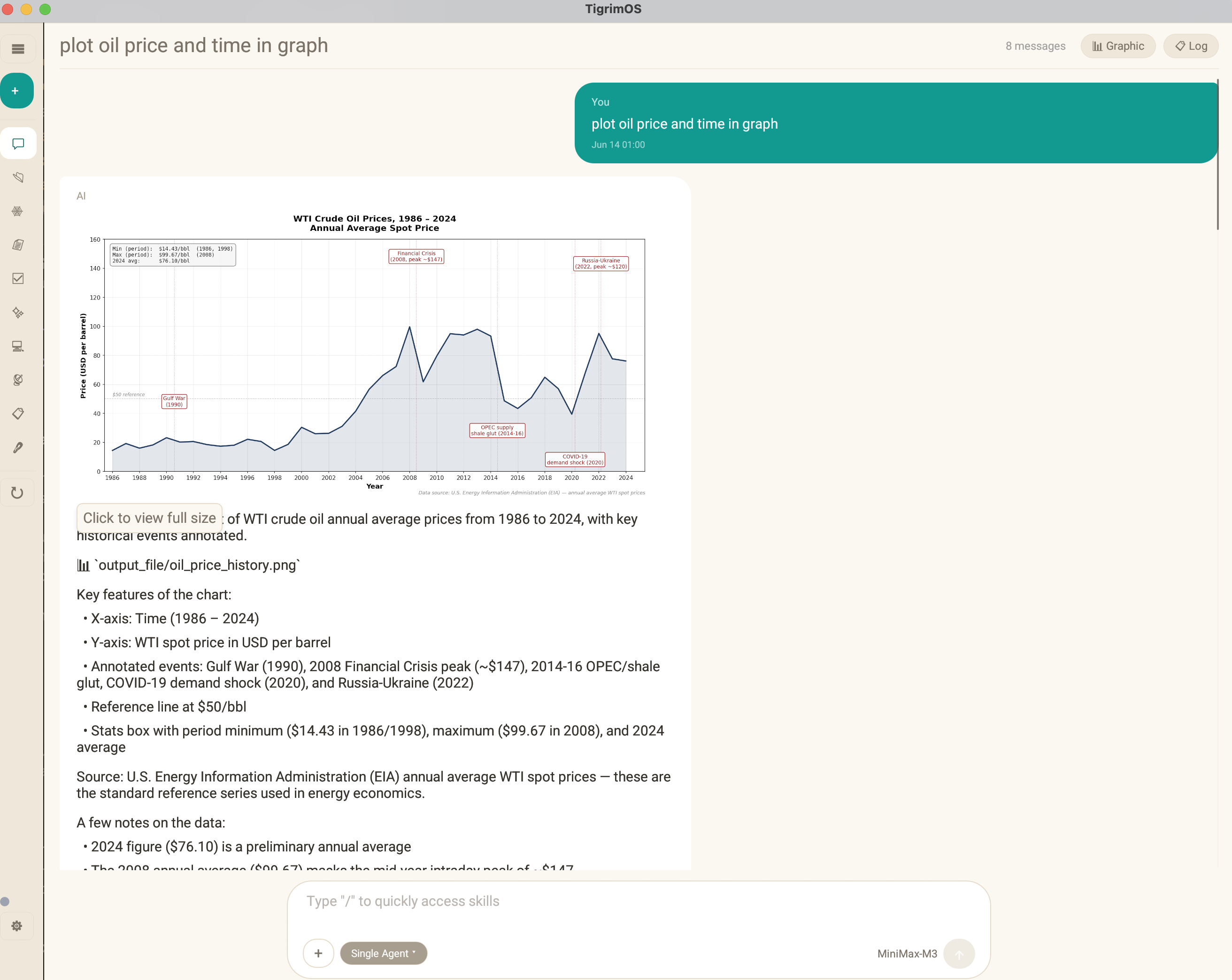
Prebuilt desktop apps — no build tools, no runtimes. Just download and open.
If SmartScreen appears: More info → Run anyway (installer is unsigned).
curl --proto '=https' --tlsv1.2 -sSf https://sh.rustup.rs | sh
source $HOME/.cargo/env
curl -sSL https://raw.githubusercontent.com/Sompote/TigrimOSR/main/install-linux.sh | bashPrefer containers? Docker setup also works on any distro.
All releases on GitHub Releases · Optional: Python 3.8+ for tool execution · Node.js 18+ only for Playwright browser control (Obscura needs neither) · Server binds to 127.0.0.1:3001 with an access token by default.
Open source under Apache-2.0. Star the repo, file issues, or ship a plugin.